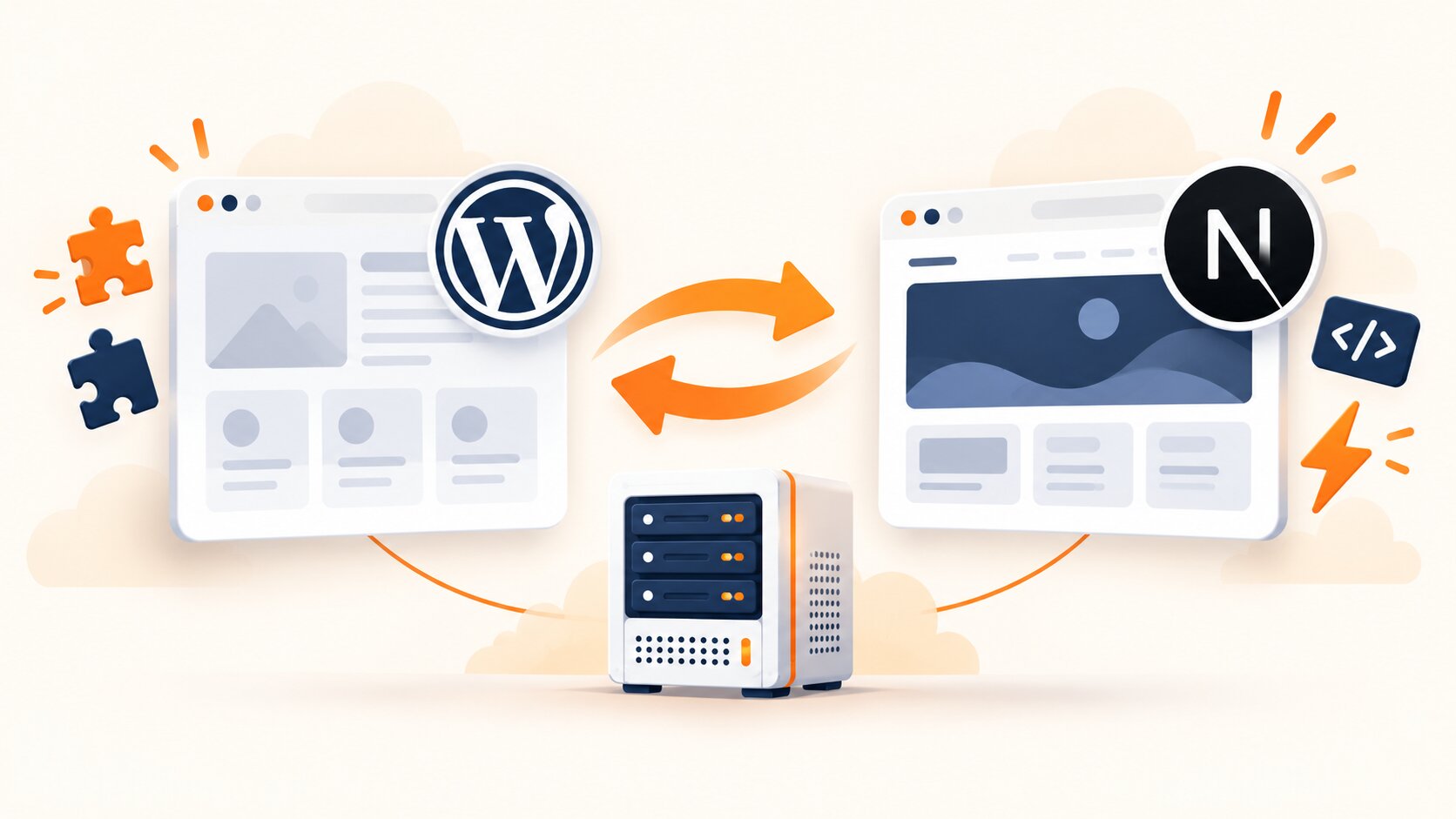
Saplo is a Polish hosting service built around one decision: instead of a piece of a shared server, each customer gets their own, isolated container. This post explains what this means in practice, what Box consists of, what happens to your data, and how the platform differs from traditional hosting. This is not an advertisement, but a factual explanation of the decisions behind the platform.
Why we built Saplo
Most hosting in Poland is shared WordPress hosting. You buy a package, you get a piece of one big server, on which hundreds, sometimes thousands of other websites sit next to you, and all together they share the same pool of CPU, RAM and process limits. As long as the traffic is small, no one feels it. The problem begins when your site grows, a neighbor on the same server gets a sudden spike in visits, or when you want to put something completely different next to WordPress, for example a Django panel, n8n automation or your own Next.js application, and the package simply does not allow it.
We went a different way. Every Saplo customer gets their own, isolated container (LXC) on our hardware in Europe, not a piece of a shared machine. No neighbor eats up your computing power, sees your data, or has any impact on how fast your site loads. This is not a cosmetic difference from classic shared hosting, but a completely different operating model from the ground up.
What this means in practice
- Multi-stack - WordPress, Next.js, Django, n8n, Docker or a static frontend. One Box, any technology, without having to create a separate Account every time a project goes beyond WordPress.
- True isolation - separate file system, separate RAM allocation, separate CPU. What happens on your neighbor's Box stays on their Box.
- Backups in two locations - a snapshot in the panel to revert your own changes and a daily, encrypted backup exported to a second data center in another country.
- Price without first-year promotions - what you pay at the start is the real Price, not a promotion that expires upon renewal. If we ever change the price list, we will inform you at least 30 days before renewal, unlike classic hosting where renewal can be significantly higher than the promotional first-year price.
- Unlimited applications and domains - each plan allows you to set up as many applications and domains as you need, with no extra charge for their number.
- Free Migration - if you already have a website elsewhere, we will transfer it for you, without service interruption, along with your email.
Hosting should be boring, it should just work. We take care of everything else.
What exactly is a Box?
Box is not a metaphor or a marketing name for a regular hosting account. It's a separate LXC container that gets an allocated piece of RAM, disk space, and processor power, independent of other clients on the same physical server. Inside, you can deploy any application from the catalog: WordPress for a business card or store, Next.js or Astro for a frontend application, Django or Node for your own backend, n8n for process automation, or ready-made tools like Ghost, Baserow, Cal.com, or Vaultwarden. Today, there are over one hundred and forty of them in the catalog, and the list grows every week.
Each recipe in the catalog is, in practice, two ready-made scripts: one sets up the application along with its dependencies (for example, a database, a background worker, or a cache), and the other cleans up after it when you decide to remove it. Thanks to this, installing WordPress takes the same amount of time, regardless of whether it's your first website or your fifth application on the same Box. You choose the recipe from the list and provide a name; we take care of the rest, including connecting the Domain, issuing an SSL certificate, and configuring a reverse proxy in front of the application.
How much RAM, disk, and processor power your Box gets depends on the chosen plan, but you can add resources at any time without downtime by using memory hotplug: you increase the RAM limit in the panel, and the container gets it immediately, without restarting the application and without interrupting the website's operation. The same applies to disk space and the number of processor cores. If your application grows, you don't have to migrate to another server or open a new Account; you simply increase the limits on the same Box.
What happens to your data
This is a question asked by every second customer moving from another hosting provider, so we'll answer it directly. Backups at Saplo work in two layers, and both are included in the plan price, for every plan.
The first layer is a snapshot, which is an image of the entire Box that you create and restore yourself from the panel with a single click. It's used to revert your own changes: before a plugin update, before uploading a new application version, before changing configurations. From the Box L plan upwards, snapshots are also created automatically every night, and the higher the plan, the further back they go: seven days for Box L, fourteen for Box XL, thirty for Box XXL.
The second layer is more important, though less visible, because it happens without your involvement. A snapshot resides on the same disk array as your Box, so it protects against mistakes, but not against a server failure. That's why once a day we transfer a full, encrypted copy of each Box to a second data center in Helsinki, in a different country than the production server, which is located in Falkenstein, Germany. The copy is encrypted on our end before sending, so the storage operator cannot see its contents. Both locations are within the European Union.
We don't just transfer customer Boxes. The platform's infrastructure goes into the same backup: account database, mail server, customer databases, reverse proxy configuration along with certificates, DNS servers, and the host's configuration itself. Without this part, the data itself would be of little value, because we would know what to restore, but not to whom it belongs or at what address it should operate. The goal is that after losing an entire server, it should be possible to rebuild not just a collection of files, but a functional service.
You cannot restore off-server backups from the panel because it's not a tool for daily work, but a lifeline after a serious failure. We restore it upon request. Details, retention periods, and scope are described on a separate page in the backup documentation.
Hosting you can control with Claude Code
Saplo has its own API, CLI tool, and MCP server, which is a plugin allowing an AI assistant to communicate directly with the platform. In practice, this means Claude Code or Cursor can see your applications, deployments, logs, domains, databases, and backups, and manage them for you. Connecting is a single command:
claude mcp add saplo -- saplo-mcp
From that moment on, instead of clicking in the panel, you tell the assistant what to do: set up an application under a specified domain, show logs, deploy changes from a branch, add a database, or roll back a deployment. If you build applications with the help of an assistant, you get a closed loop: code is created locally, goes to Saplo, and production errors return to the assistant without switching between tools.
Saplo vs. traditional shared hosting
| Shared Hosting | Saplo | |
|---|---|---|
| Resource isolation | None, shared server | Full (separate LXC container) |
| Number of technologies per account | Usually only PHP and MySQL | WordPress, Next.js, Django, n8n, Docker and more |
| SSH access | Usually not available on lower plans | Yes, starting from Box M plan |
| Off-server backup | Usually an extra charge or not available | Daily, on every plan |
| Renewal price | Usually higher than promotional | Same as the initial price |
| Number of applications and domains | Limited by the package | Unlimited on every plan |
| Migration from another provider | Usually a paid service | Free, included in every plan |
| AI-driven control | None | API, CLI, and MCP server included |
Quickstart
If you're ready to dive in, the whole path from zero to a working application takes just a few minutes. You install our CLI tool, log in to your account, and deploy the application with one command.
# Install Saplo CLI
npm install -g @saplo/cli

# Log in and deploy the application
saplo login
saplo deploy
Done. In minutes, your application is running on its own secure Box, with a free SSL certificate and a subdomain in *.saploapp.pl, ready for testing even before you connect your own domain. If you prefer to click everything in the panel instead of typing commands, the exact same path is available through the App catalog, where you choose a recipe from the list, and we handle the rest of the configuration for you.
If you already have a website with another provider and are wondering if it's worth moving, you don't have to do it yourself. Migration is free with every plan, includes files, database, and email, and the entire process occurs without any interruption to your website's operation: first, we set up a copy on a temporary subdomain, let you check it, and only after your confirmation do we switch the domain. Do you have a WordPress site with one of the popular Polish providers? We've written separate step-by-step guides for migration from OVH, migration from home.pl, and migration from cyberFolks.
What we write about on this blog
This blog isn't just another place for generalities about "hosting is important". We publish concrete, technical articles that are useful before making a decision or right after you start using Saplo:
- Migration guides - step-by-step instructions on how to securely transfer your website from a specific provider (such as OVH, home.pl or cyberFolks) without downtime or losing email.
- Technological comparisons - when a regular WordPress is enough, and when it's worth reaching for Next.js, Django, or combining several technologies in one account.
- Security and GDPR compliance - how to configure analytical tools, email, and backups in accordance with Polish and EU requirements.
- New additions to the App catalog - each new recipe gets a separate entry explaining its purpose and how to launch it.
- Behind the scenes of platform development - the architectural decisions we make along the way, and why these choices rather than others, along with the compromises we consciously made.
We write all of this from the perspective of a team that runs a web agency and for years paid for hosting from external providers before deciding to build its own platform. So, we know the same pain points you read about in product descriptions: websites that slow down for no apparent reason, panels where it's hard to find a simple setting, and bills that increase year after year without explanation. This blog is where we explain how we specifically solve each of these problems, instead of just promising it in one sentence on the homepage.
If you're wondering whether Saplo fits your project, check out the full Price list with descriptions of all plans, or the article on when switching from classic shared hosting to a container model actually makes sense. And if you'd rather just try the platform in action, you have fourteen days with the right to a full refund of the fee.
- #Hosting
- #Multi-stack
- #Saplo