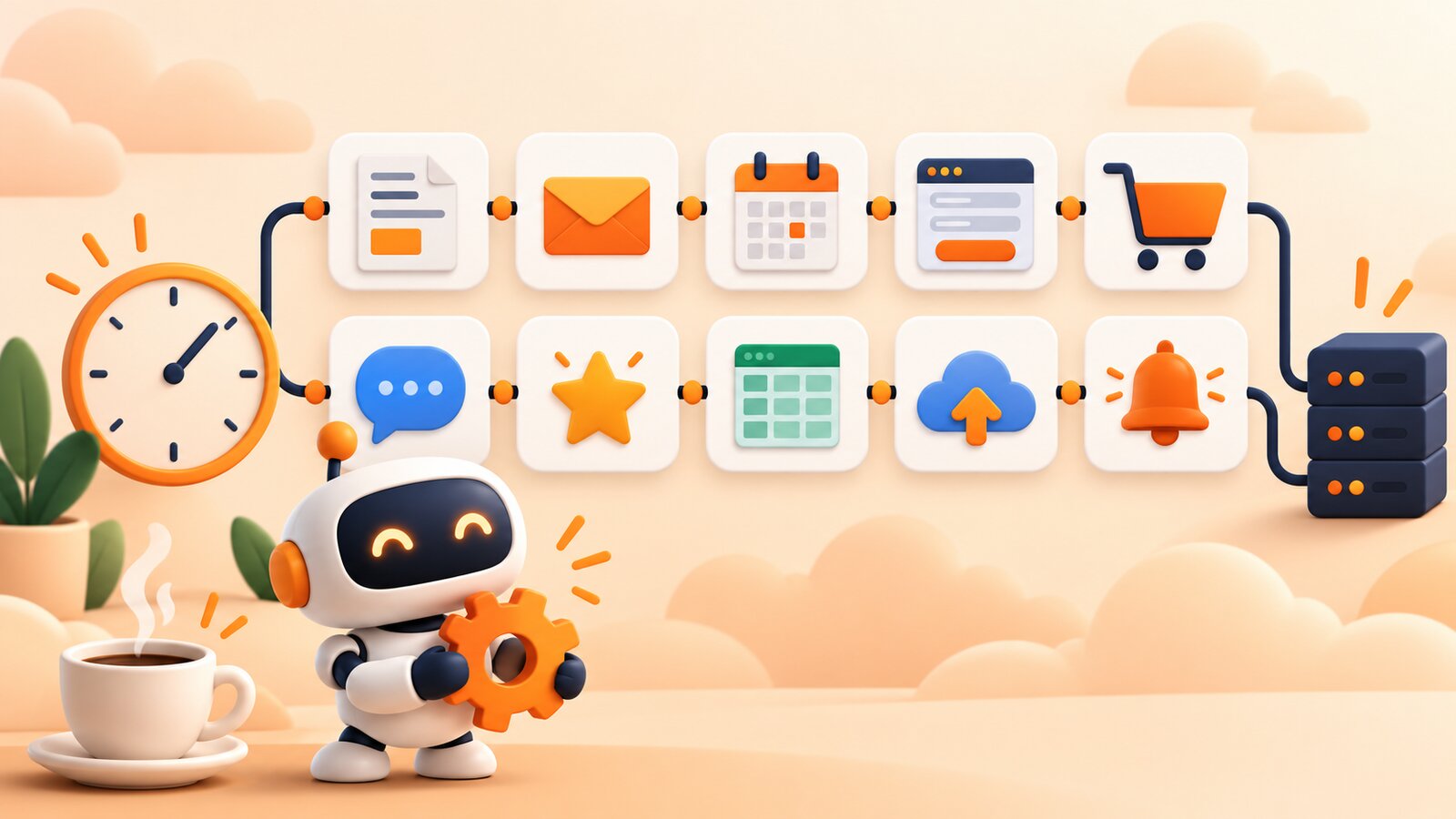
Do you copy orders from a store to a spreadsheet, copy data from a contact form to a CRM, and manually send reminders to clients every morning? This is work that automation tools have been doing for people for years. The best-known are Zapier and Make, but more and more companies are choosing n8n, because as the number of automations grows, the subscription fee ends up costing more than the entire server. In this guide, we explain in plain language what n8n is, how it works, what you can automate with it in a small business, and how much it costs.
Table of contents
- What is n8n?
- How does n8n work? Triggers, nodes and workflows
- What can you automate in n8n? 7 examples from a small business
- Do you need to know how to program to use n8n?
- n8n vs Zapier and Make? How do they differ?
- How much does n8n cost? Cloud vs self-hosted server
- How to run n8n on your own server?
- Your first automation step by step
- FAQ: the most common questions about n8n
What is n8n?
n8n (pronounced "n-eight-n", from the English nodemation) is a workflow automation tool. It connects the apps you use every day: email, Google spreadsheets, an online store, CRM, messaging apps, payment systems, AI models. It then transfers data between them and performs repetitive tasks that people do manually today.
The project was created in 2019 in Berlin. Its open source code is available on GitHub, and it uses a fair-code license (Sustainable Use License). In practice, this means a company can install n8n for free on its own server and use it for its processes with no limits on automations or executions. However, you cannot resell n8n itself as a paid service to other companies.
The easiest way to describe n8n is as a digital worker for copying and monitoring that never sleeps, never makes copying mistakes, and never forgets to send a reminder at 4:00 p.m. on Friday.
How does n8n work? Trigger, nodes and flow
Every automation in n8n is a workflow, a flow made up of blocks called nodes (nodes). You arrange them in the browser-based editor by dragging them and connecting them with lines.
- Trigger determines when the workflow starts. It could be a schedule ("every day at 7:00"), a new email in your inbox, a new order in the store, or a webhook, which is an address where another app sends information about an event.
- Action nodes do the actual work: fetch data from an API, add a row to a spreadsheet, send a message, create an invoice, or ask an AI model for a summary.
- Logic nodes control the flow: a condition such as "if the amount is over $244", a branch, a loop, merging data, or waiting for a set amount of time.
Data flows from left to right. Each node sees the output of the previous one, so in the "Email subject" field, you can simply insert the customer's name from two steps earlier. After each run, n8n saves an execution history, so if something goes wrong later, you can see exactly which node it happened on and with what data.
What can you automate in n8n? 7 examples from a small business
n8n has ready-made integrations with hundreds of services, and it can connect to any other service with an API using the universal HTTP node. Here are the automations most commonly implemented by small businesses:
- Contact form to CRM and Slack. A new inquiry from your website immediately lands in the CRM, and your team gets a notification in Slack.
- Orders from your store to a spreadsheet. Every WooCommerce order appears as a row in Google Sheets, ready for billing and reporting.
- Payment reminders. Every morning, the workflow checks for unpaid invoices and sends your clients a polite email.
- Attachment backups. Invoices received by email are automatically saved in a folder on your drive, named by date and contractor.
- Weekly report. Every Monday at 8:00, n8n collects data from your store, analytics and ads, then sends a single summary.
- AI inbox assistant. A language model reads incoming messages, classifies them (complaint, question, offer) and prepares a draft response.
- Website monitoring. Every few minutes, the workflow checks whether your site is responding and sends an alert when it is not.
Each of these workflows usually consists of three to ten nodes. Building your first one takes an hour, but the next ones go faster because n8n also has a library of ready-made templates you can copy.
Do you need to know how to program for n8n?
No. Most automations consist entirely of ready-made building blocks and forms, without a single line of code. You need to understand the logic of the process ("when X arrives, do Y, and if Z, then send it to the boss") and know how to click "Connect account" for the service you want to use.
The difference from Zapier is that in n8n you can write code when the building blocks aren't enough. The Code node accepts JavaScript or Python, so an in-house developer can solve an unusual case in a few minutes instead of looking for a workaround. For a non-technical person, this is a safety net: you know the tool won't hit a wall when the process gets complicated.
n8n vs. Zapier and Make? What are the differences
All three tools essentially do the same thing, but they calculate costs differently and treat your data differently.
| n8n (own server) | n8n Cloud | Zapier | Make | |
|---|---|---|---|---|
| Where it runs | on your server | in the n8n cloud | in Zapier's cloud | in Make's cloud |
| What you pay for | server hosting | based on the number of executions | based on the number of tasks | based on the number of operations |
| Execution limit | none | depends on the plan | depends on the plan | depends on the plan |
| Custom code | JavaScript and Python | JavaScript and Python | limited | limited |
| Customer data | stays with you | stays with the provider | stays with a provider in the USA | stays with the provider |
| Barrier to entry | you need a server | lowest | lowest | low |
When should you stay with Zapier? When you have two or three simple automations that run several dozen times a month and you do not want to think about a server. In that case, the free or cheapest plan is enough, and there is nothing to migrate.
When should you use n8n on your own server? When the number of automations grows, when workflows run hundreds of times a day, for example on every order, or when you process customers' personal data and prefer it not to be sent to an external cloud. The server fee is fixed regardless of the number of runs.
How much does n8n cost? Cloud vs self-hosted server
The n8n software in its Community edition is free. You either pay for the vendor's cloud or for the server on which you run it.
n8n Cloud (vendor pricing, as of October 2026): the Starter plan costs 24 euros per month with monthly billing and includes 2,500 workflow executions, while the Pro plan costs 60 euros per month for 10,000 executions. With annual billing, the prices drop to 20 and 50 euros. One execution is one run of an entire workflow, regardless of the number of nodes.
Zapier charges for each task separately, so a workflow with five steps uses five tasks. With several automations, a paid plan usually costs around $22 per month, and considerably more as traffic grows.
n8n on your own server costs as much as the server. An example on Saplo: n8n needs at least 1 GB of RAM, so we recommend Box M (2 GB RAM, 30 GB SSD) for $69 per year, or around $6 per month. This price includes an unlimited number of executions, and the same Box can also host your company website or other applications. Box S (1 GB RAM, $29 per year) meets the minimum requirements, but leaves little headroom for complex AI workflows.
For a company with 3,000 executions per month, n8n Cloud Pro costs 60 euros, or over $61 per month, while Box M on Saplo costs around $6 per month. The difference over a year exceeds $610.
How to run n8n on your own server?
The classic route is renting a VPS server, installing Docker, writing a docker-compose.yml file, setting environment variables (public URL, webhook URL, time zone), setting up a reverse proxy with an SSL certificate, and scheduling backups. For a developer, that takes an hour. For someone with no Linux experience, it usually means an evening spent figuring out why webhooks return the wrong address.
On Saplo, n8n is a ready-to-use app in the catalog: n8n on Saplo. Installing it is simple:
- In the Saplo panel, open App catalog and select n8n.
- Choose your Box and domain, or a free subdomain
*.saploapp.pl. - Confirm. The system deploys the official Docker image
n8nio/n8n, sets the time zone to Europe/Warsaw, configures the editor URL and webhook URL for your domain, adds an SSL certificate, and checks whether the container has actually started. - After a few minutes, visit your URL and create an owner account for the instance.
Under the hood, it runs the same n8n as the official guide, with no features stripped out. An encrypted copy of every Box is sent daily to a second data center in Helsinki. This is included in every plan, including Box S, and before making major changes, you can create a snapshot with one click in the panel. You can find detailed installation and initial setup instructions in the guide How to set up n8n on Saplo.
If you already have n8n on another server or a website with another hosting provider, we'll migrate them for you as part of free migration.
Your first automation, step by step
To warm up, set up a simple workflow: every new form submission goes to a spreadsheet and your inbox.
- Add a trigger. Click Add first step and select Webhook. n8n will show you the URL where the form should send its data. Paste it into the form settings on the website (most WordPress form plugins have a “webhook” field).
- Send a test submission. Fill in the form on the website. In n8n, you will see which fields came through: name, email, message.
- Add a Google Sheets node. Connect your Google account, select a spreadsheet, and map the form fields to columns.
- Add a Send Email node. Set the recipient to your own email address, use the name from the form in the subject line, and put the entire submission in the body. Your business mailbox is included with Box, so you can find the SMTP settings in the Saplo dashboard.
- Test it. Click Test workflow and check the spreadsheet and inbox.
- Turn it on. Toggle the Active switch in the top-right corner. From that moment on, the workflow runs in the background around the clock.
Once this works, adding a condition (“if the message contains the word ‘complaint’, also send it to the support team”) is just one more If node.
Summary
n8n is a free automation tool that connects applications and handles repetitive work without human involvement. It consists of blocks, so no programming is needed, although you can add code when necessary. For a few simple automations, Zapier or n8n Cloud are convenient. With higher run volumes and customer data you prefer to keep to yourself, your own server is many times cheaper. On Saplo, you can set up n8n from the app catalog in a few minutes, with SSL and backups included. Compare plans in the Saplo price list or visit the n8n app page.
FAQ: frequently asked questions about n8n
Is n8n free?
Yes, the Community edition for self-installation is free, with no limits on workflows or executions. n8n Cloud and features for large businesses are paid, such as SSO login and test environments in the Enterprise plan.
Is n8n secure and GDPR-compliant?
On your own server, data only flows between your server and the services you choose to connect, so it never reaches an additional intermediary in the USA. GDPR compliance, however, depends on the entire process, including the external services that n8n connects to. Access to the editor is protected by the owner Account created when you first sign in.
How Much RAM Does n8n Need?
The minimum is 1 GB of RAM and about 4 GB of disk space. If you run multiple workflows in parallel or process large files, you should have 2 GB or more, which is why we recommend Box M on Saplo.
Does n8n work with ChatGPT and other AI models?
Yes. n8n has built-in nodes for OpenAI, Anthropic, Google Gemini, and models run locally, as well as nodes for building AI agents with memory and tools. You pay the model provider for the tokens you use, and n8n does not charge you anything extra.
Can I migrate automations from Zapier to n8n?
There is no automatic converter, but each workflow usually takes just a few minutes to migrate because n8n has equivalents for most Zapier integrations. It is best to start with the workflows that consume the most tasks, because that is where the savings are greatest.
- #Self-hosting
- #Automation
- #n8n
- #No-code
- #Zapier